Fix No Links Found Error in Cloudstream App
Cloudstream is an open-source app, and people can contribute to this app on GitHub. This streaming app gives a flawless experience, but sometimes users empierced a few types of errors. In this AppTalk, we troubleshoot no links found error in CloudStream, including the extension not loading or no links found issue.
Fix No Links Found or Extensions Not Loading Error
To fix these types of errors, use the latest version of the cloudstream, use a VPN, ensure a stable internet, clear the app cache, try different repositories, or try again after 2 to 3 hours; the link is down. Read details:
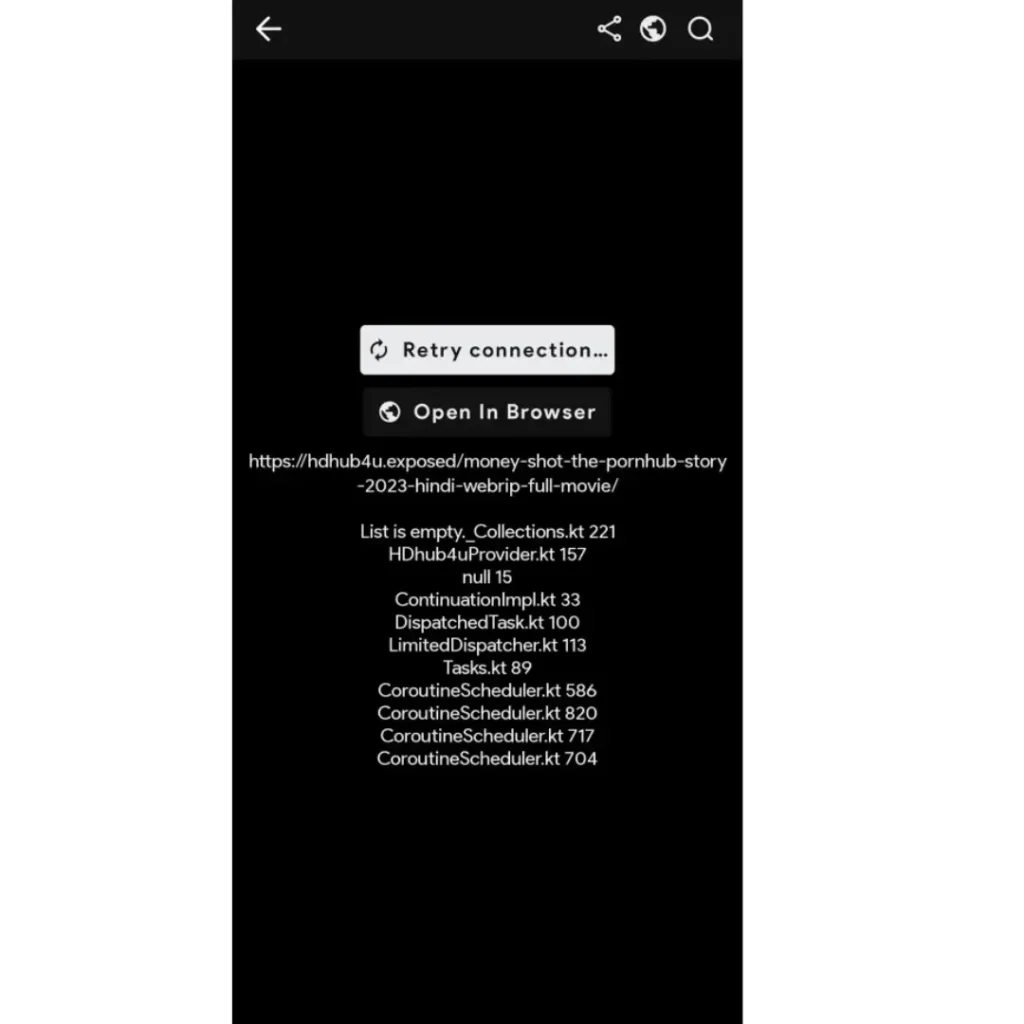
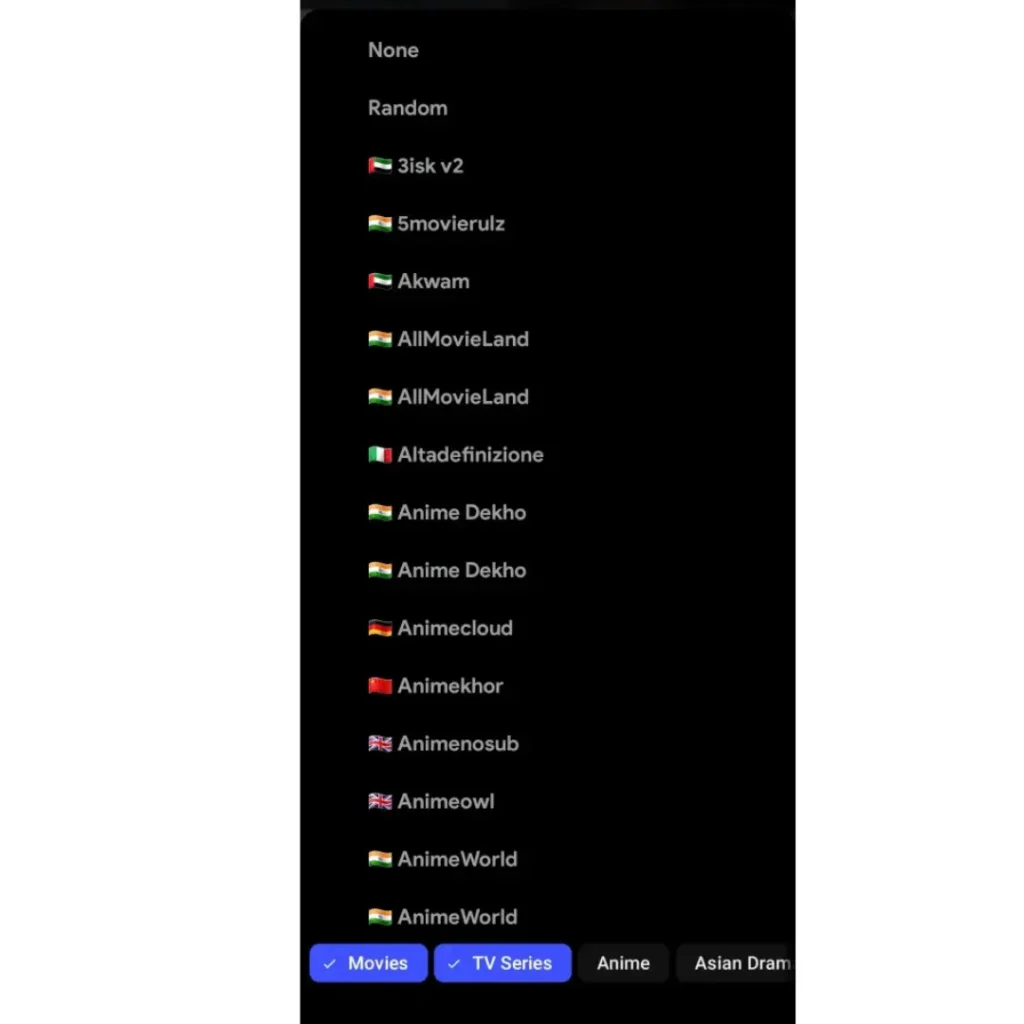
Use the latest version of Cloudstream
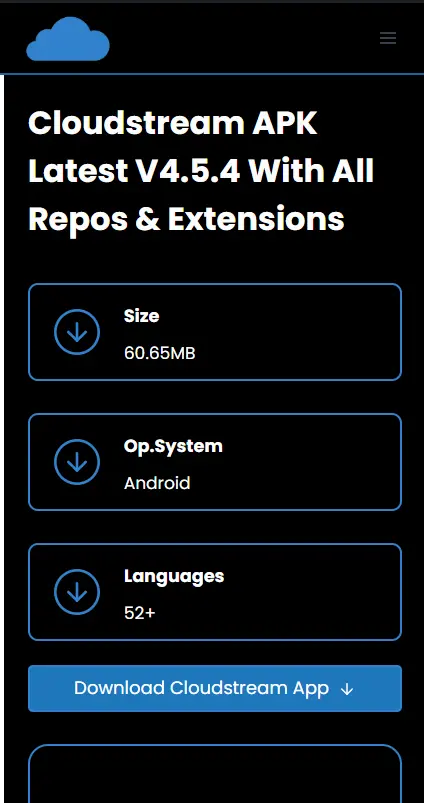
Must remember not to use old versions like Cloudstream 3, Cloudstream Beta, or Cloudstream stable version. Only use Cloudstream latest version v4.5.4.
Stable Internet Connection
If you are using the latest version of Cloudstream APK on a compatible device. And, facing the error, you need to check the internet speed. It must be 10 Mbps for the best experience.
Use a Stable and Trusted VPN
If you have followed the above steps, you need to use a VPN on your device. The content you are trying to watch isn’t available in your region. I have tested many VPNs. I recommend nord vpn. Cloudstream app works perfectly with VPN.
Need to Clear App Cache
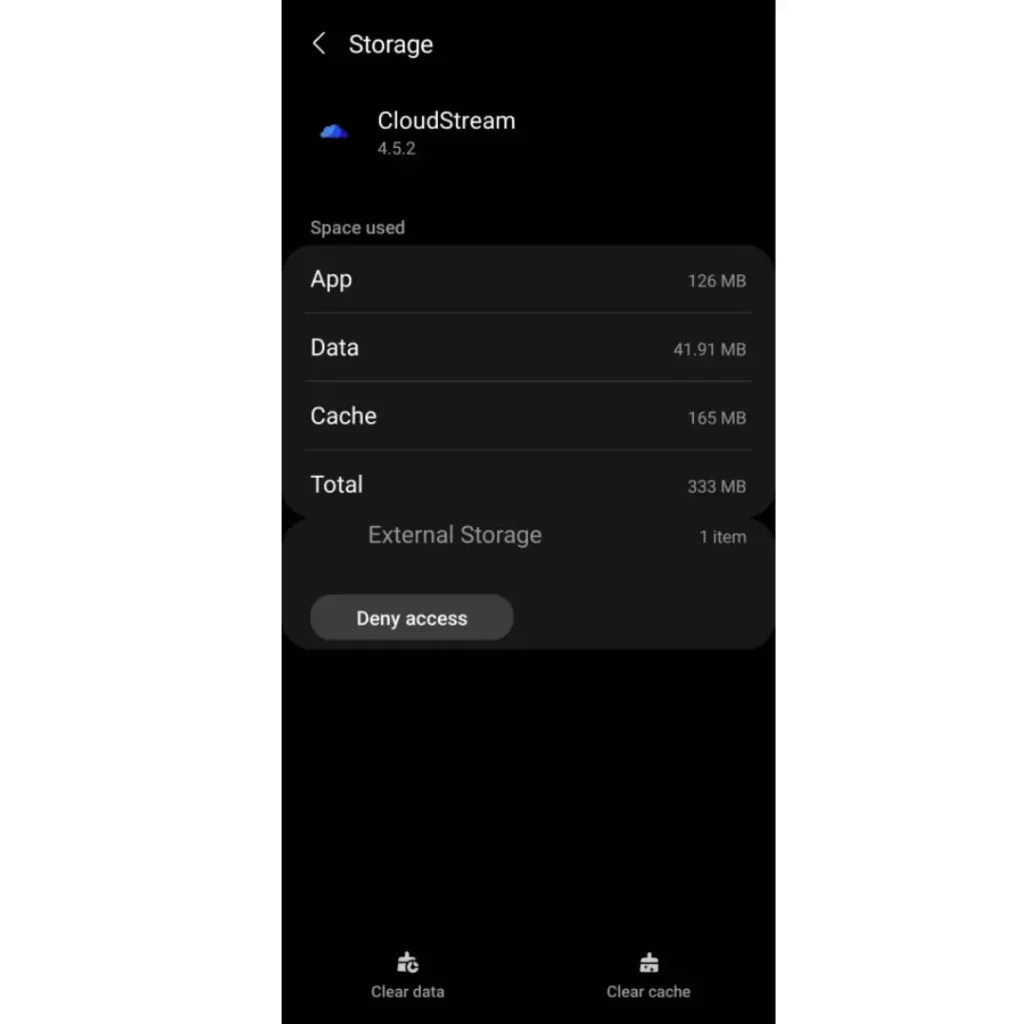
The app cache can cause the error. This error is temporary. Now you have to clear the app cache. Locate the app on your phone, then long-press its icon. Click on the info icon, and then a new screen will appear. Click on clear app cache.
Check in Browser
Copy and open the repository’s or extension’s link in the browser. If it works fine and opens in the browser, post a report in the reports channel or try the above-described methods.
Repo Provider Availability
This app does not host any content; it crawls content by using repositories and extensions. The error can be caused by provider access being unavailable or by maintenance. You need to take a break for that specific link and try again after 2 to 3 hours.
Try different Repos/Extensions (Providers)
The Plus point of the app is that it provides multiple streaming repos. If the issue remains the same on the link, try different repo link and install new extensions. These repos provide content to download.
Update Plugins
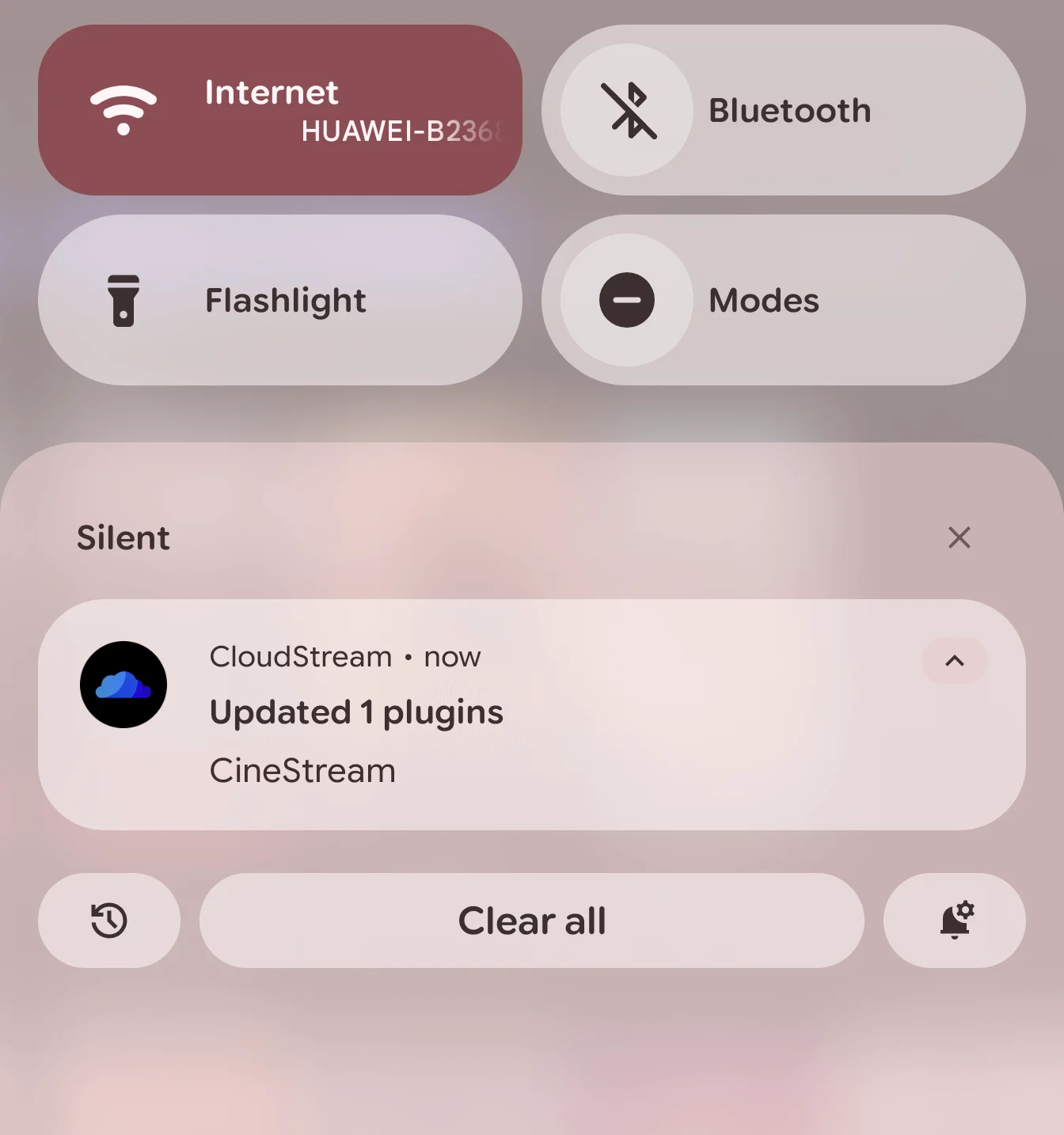
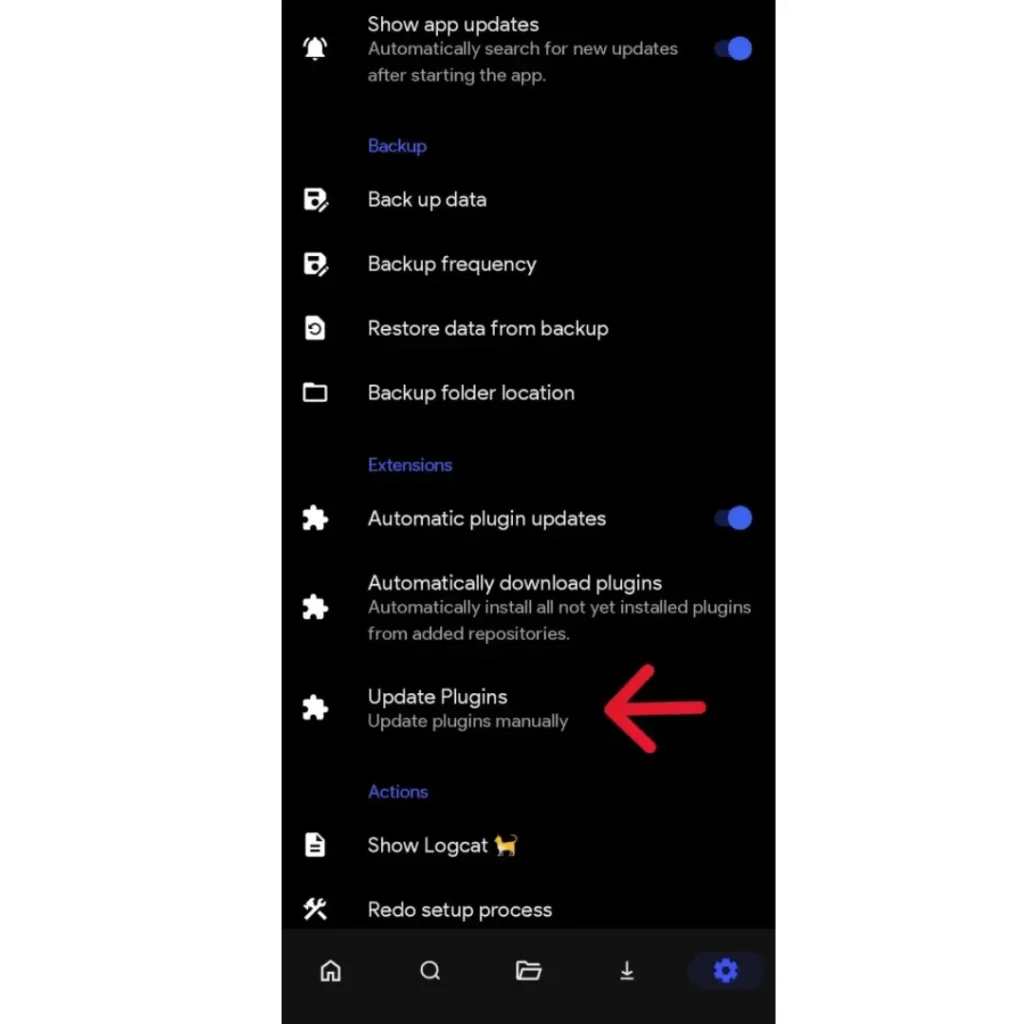
The Cloudstream app automatically updates the plugins. But when you are facing this issue No Links Found Error in Cloudstream, you can update them manually. Go to settings, click on updates and backups, and then click on update plugins. Plugins will update shortly.
This troubleshoot guide will help you to fix errors like link no links found or not loading. By following this guide step by step, you can fix it easily. And can watch content without any issue. If you still have a problem, just email me at [email protected].